Bring the recording.
An interview, a video, or a voice memo. Start with the audio you already have.

Turn audio, video, and spoken ideas into text you can edit, search, and make your own. Let your voice do the writing.
A short story, in three languages. Play a recording and explore the transcript beside it.
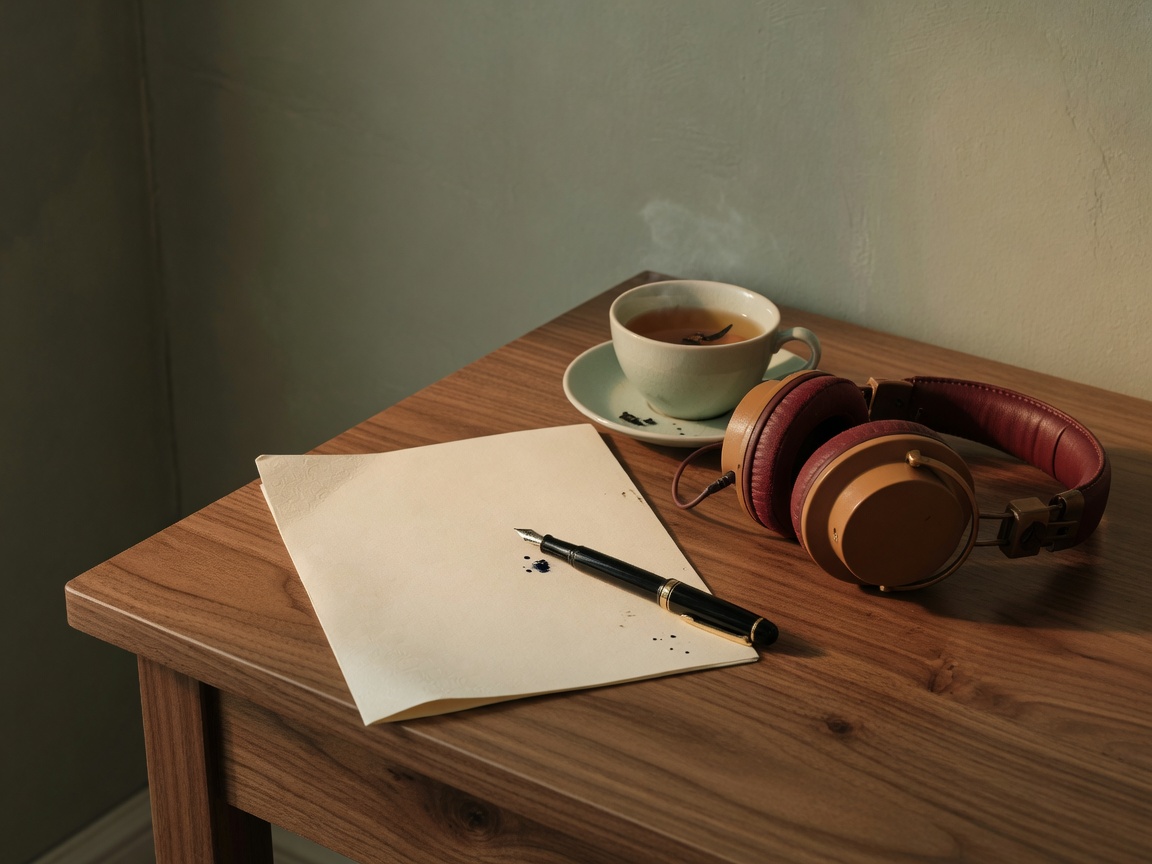 THE RECORDING
On the last train home, she told the same story in a low voice:
a shop that opened only when it rained, and a bell that rang for people who already knew the way.
She never raised her voice. The carriage still leaned in to listen.
From the first recording to the final sentence, keep the useful parts within reach.
An interview, a video, or a voice memo. Start with the audio you already have.
Transcribe in the language of the recording. Keep the words, names, and ideas in their original voice.
Review the transcript, refine a sentence, and export text you can put to work.
THE STORYFind the quote. Shape the interview. Turn a recording into your next story.
 THE IDEA
Keep a lesson in words, so you can return to the idea that mattered.
 THE MOMENT
Speak a thought before it disappears. Come back and make something of it.
Upload a recording or start with your microphone.
Let speech become text, then read and refine it.
Copy or export your transcript and keep creating.
Speech to Text (STT) turns spoken audio into written text. Use it to work with recordings, voice notes, interviews, and more.
Yes. MyVocal Speech to Text is free to use. Check the workspace for your available usage.
You can start with an audio or video recording, or use your microphone. Supported files and languages are shown in the workspace.
Yes. Review and edit the transcript, then export it. The sample above lets you try editing, copying, and downloading a TXT file right here.
The demo uses existing audio and prepared text to show the experience. It does not upload files, access your microphone, or run live recognition. Your own recordings belong in the Speech to Text workspace.
Let the words stay with you. Start with your voice.
Free to use